

Your digging level

For this genre
0/8
🏆
Sign in, then listen to this genre to level up

Description

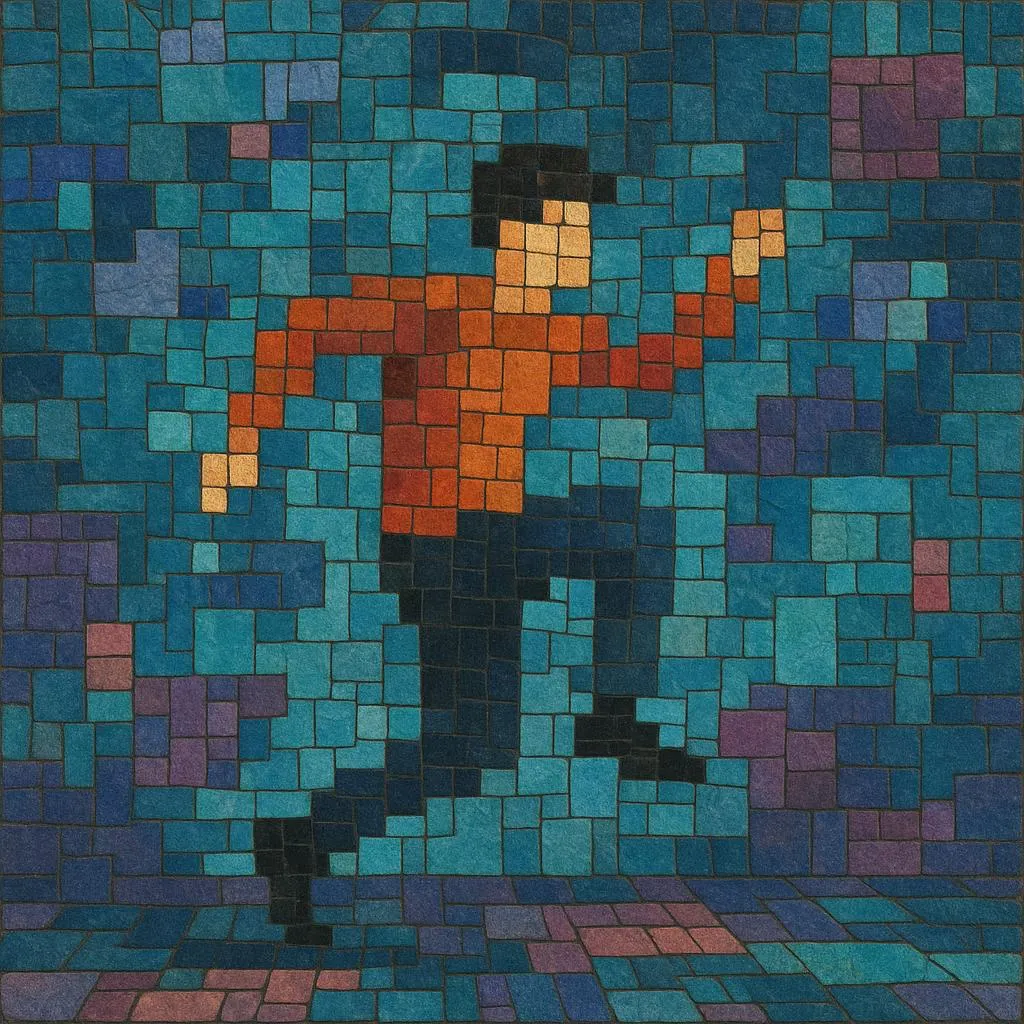
Pixilation is a stop‑motion technique in which live actors, objects, and environments are animated frame‑by‑frame as if they were puppets. Instead of recording continuous motion, the camera captures a single still image for each posed increment of the performance, producing jittery, surreal, or hyper‑precise motion when played back at normal speed.

Because the performers "advance" a few inches (or change pose) between exposures, pixilation can make humans seem to glide, teleport, or defy gravity. The method has been used in experimental film, advertising, and especially music videos to create playful, uncanny, or rhythmically synchronized visuals that feel hand‑crafted and kinetic.

In short: pixilation is live‑action treated like animation, achieving a distinctive, stop‑motion look with real people as the moving parts.


Sources: Spotify, Wikipedia, Discogs, RYM, MB, user feedback and other online sources

History

Origins (1900s–1930s)

Early cinema pioneers quickly discovered that photographing successive still frames could transform reality. French animator Émile Cohl and other silent‑era experimenters occasionally used live performers in single‑frame increments, foreshadowing pixilation. While stop‑motion initially centered on puppets and objects, the conceptual leap to animate humans was already present in trick‑film and surreal shorts.

Codification and Recognition (1940s–1960s)

Pixilation achieved international prominence through Norman McLaren’s National Film Board of Canada shorts, most famously "Neighbours" (1952), which used frame‑by‑frame actors to powerful, allegorical effect. In the late 1960s, Disney animators Len Janson and Chuck Menville produced popular pixilated shorts (e.g., "Stop Look and Listen," 1967), giving the technique a crisp, comedic, road‑movie flair that was immediately legible to broad audiences.

Music Video Era and Advertising (1970s–1990s)

With the rise of television advertising and later MTV, pixilation became a signature of inventive, low‑to‑mid‑budget production. Directors such as Stephen R. Johnson and studios like Aardman Animations helped integrate pixilation with other stop‑motion and visual‑effects methods in iconic spots and promos. Jan Švankmajer’s surreal films (e.g., "Food," 1992) likewise kept the artform at the center of avant‑garde practice, proving its capacity for satire and psychological unease.

Digital Tools and Contemporary Practice (2000s–present)

Digital cameras, onion‑skin preview, and non‑linear editing streamlined setup and refined precision. Viral music videos and shorts—such as bed‑top choreographies or city‑walk sequences—repopularized pixilation for internet audiences (e.g., Oren Lavie’s "Her Morning Elegance," 2009). Today, the technique spans experimental film, brand content, and concert/backdrop visuals, often synchronized tightly to musical rhythms for a handcrafted, rhythmic aesthetic.
How to make a track in this genre

Concept and Planning
•   Start with a concept that benefits from uncanny, rhythmic movement (gliding walks, teleporting objects, looped gestures). Storyboard in beats or bars so each visual action aligns to the track’s tempo. •   Choose locations with consistent light or be ready to control/fix flicker. Mark actor paths and positions with tape or chalk for precise increments.
Camera and Frame Rate
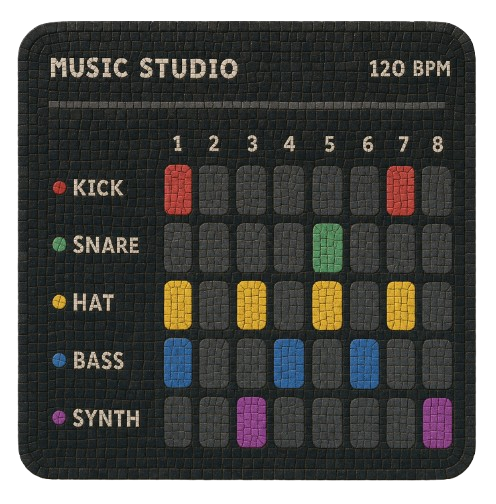
•   Use a locked‑off camera on a sturdy tripod; a remote shutter or intervalometer helps prevent shake. •   Common playback frame rates are 12–24 fps. For tighter music sync, map actions to beats (e.g., one footstep every 2–4 frames) and maintain a frame‑accurate dope sheet.
Performance and Movement
•   Direct the actor as a “human puppet.” Between each exposure, the performer advances a small, repeatable increment or changes pose minutely. •   For smooth motion, keep increments small and consistent; for staccato/expressive motion, vary increment size intentionally. •   Use replacement elements (swappable props, wardrobe states, facial expressions) to create impossible morphs.
Lighting and Exposure
•   Aim for stable lighting (continuous LED or soft daylight without passing clouds). Keep shutter, ISO, and aperture fixed to avoid flicker. •   Consider shooting RAW for maximum latitude when deflickering or color‑grading.
Rhythm and Sync
•   Build a beat sheet: mark music hits, downbeats, and fills, then map frame counts to those points. •   Accent musical moments with “visual accents” (sudden jumps, object pops, spin transitions) and reserve longer, even increments for sustained phrases.
Post‑Production
•   Assemble frames in order at the intended fps; apply deflicker if needed. •   Add sound design (foleys, whooshes) that complements the song’s groove without cluttering the mix. •   Keep cuts motivated by musical structure—verse/chorus changes can introduce fresh locations, props, or movement rules.
Safety and Practicalities
•   Pixilation is physically demanding. Warm‑up, pace breaks, and use floor markers to avoid strain. •   Protect knees/ankles during incremental steps; use pads for kneeling shots; clear the set of hazards.

Best playlists

Top tracks

Locked
Share your favorite track to unlock other users’ top tracks

Upcoming concerts

in this genre
Influenced by
Has influenced
No genres found

Download our mobile app

Get the Melodigging app and start digging for new genres on the go
© 2026 Melodigging
Melodding was created as a tribute to Every Noise at Once, which inspired us to help curious minds keep digging into music's ever-evolving genres.
Buy me a coffee for Melodigging
